


Introduction –
For nearly three decades, enterprise software has been built around a simple principle: every business function requires its own application. Sales teams relied on CRM platforms, marketers worked across campaign management and analytics tools, HR departments navigated multiple employee systems, while finance and operations managed their own specialized software ecosystems. Throughout this evolution, the web browser remained nothing more than a gateway to these applications.
That assumption is now changing rapidly.
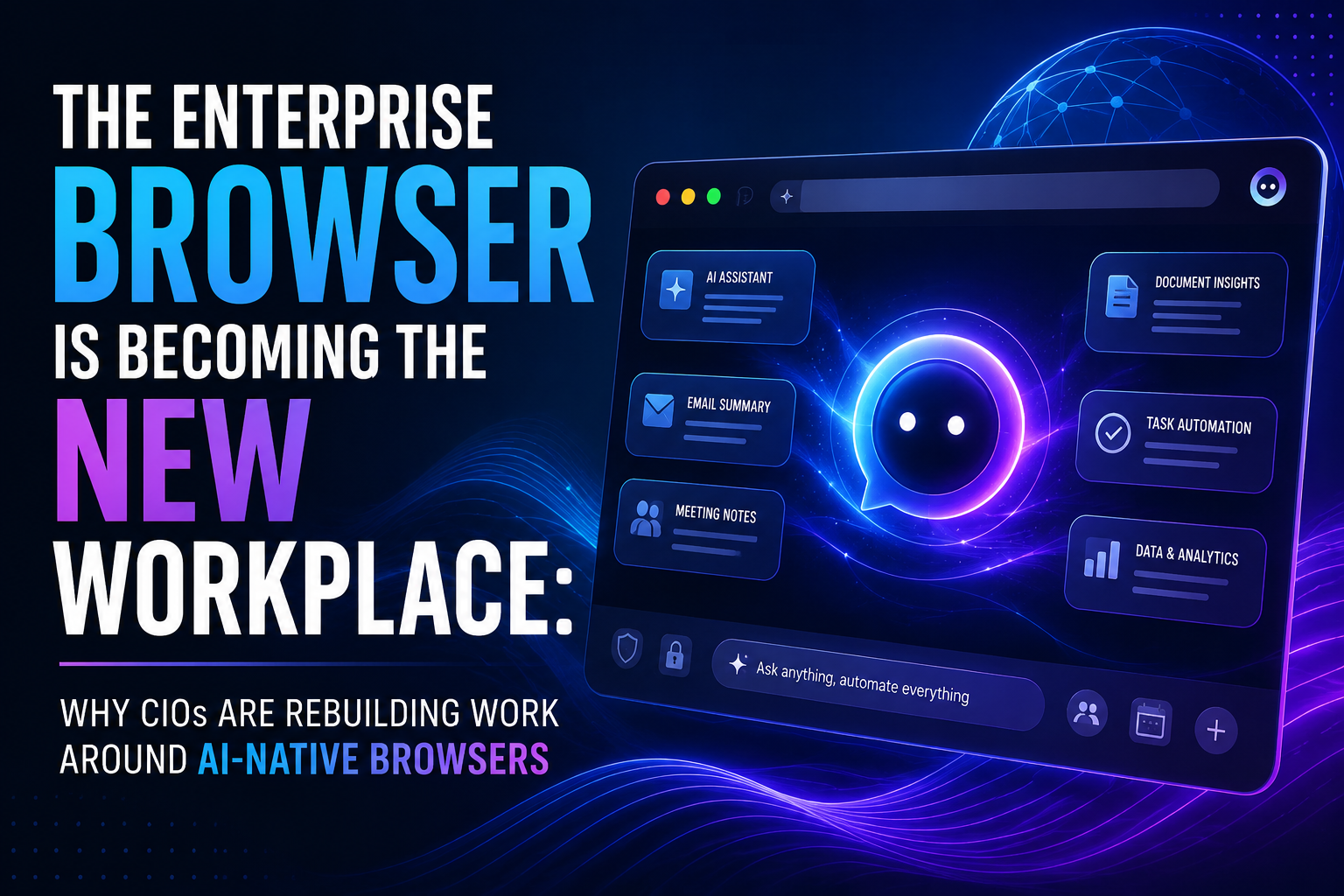
Artificial intelligence is transforming the browser from a passive access point into an intelligent workspace capable of understanding context, connecting enterprise applications, automating repetitive work, and assisting employees throughout their daily workflows. Instead of switching between dozens of tabs and platforms, employees can increasingly rely on AI-native browsers that understand their objectives and perform much of the operational work automatically.
For CIOs, this represents more than another productivity tool—it signals a fundamental redesign of the digital workplace.
“The future workplace won’t be defined by the number of applications employees use, but by how intelligently those applications work together.”
Why Enterprise Software Is Reaching Its Limits –
Enterprise software has evolved rapidly over the past two decades, but that evolution has also introduced significant complexity. Today’s knowledge workers often interact with dozens of applications every day, each requiring separate authentication, unique interfaces, independent workflows, and isolated data repositories.
Rather than improving productivity, many organizations now face a different challenge: employees spend a considerable amount of time moving between browser tabs, copying information across systems, updating records manually, and searching for documents scattered throughout the organization.
Although companies have invested billions in digital transformation initiatives, the responsibility for connecting these fragmented systems still falls largely on employees. The result is reduced productivity, inconsistent data, higher operational costs, and growing frustration.
What Is an AI-Native Enterprise Browser?
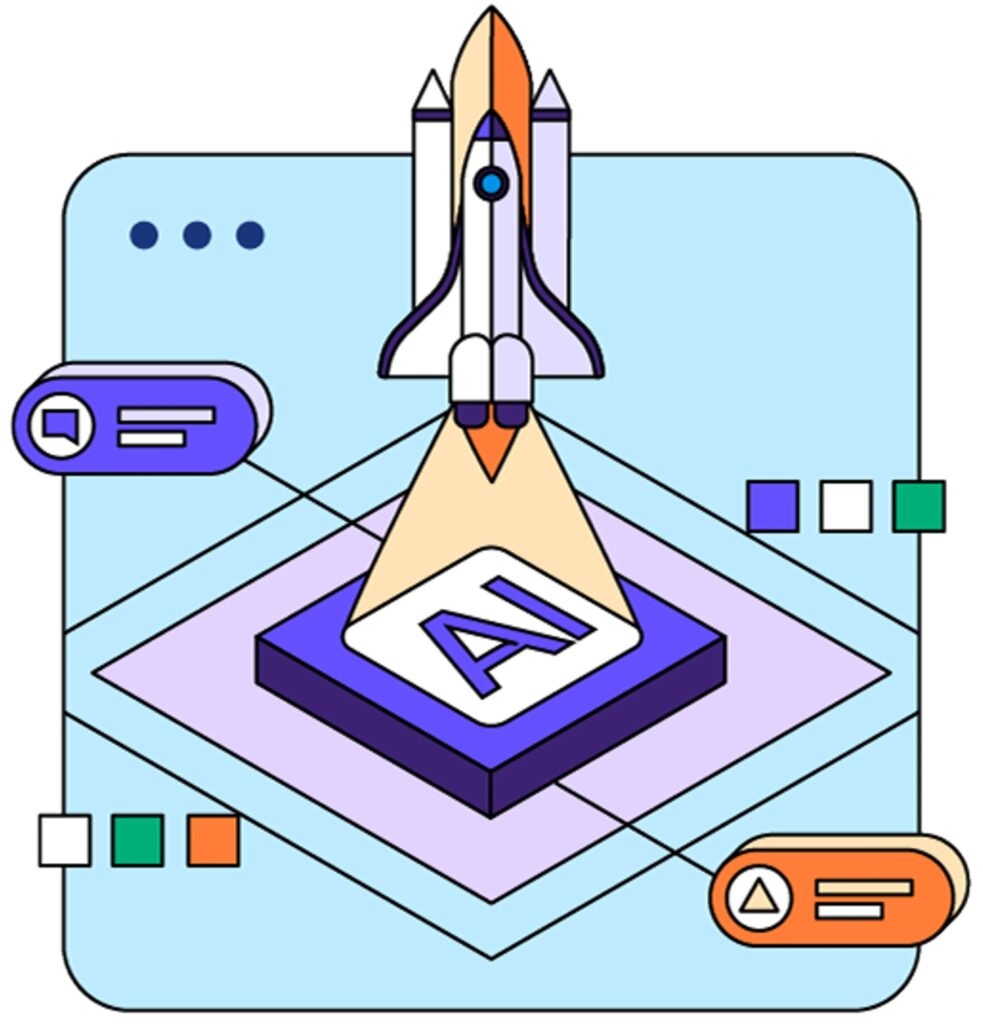
An AI-native browser is far more than a web browser with a chatbot.
Instead of simply displaying webpages, it understands what users are trying to accomplish across multiple applications simultaneously.
Whether employees are reviewing emails, attending meetings, updating CRM records,
analysing dashboards, or preparing presentations, the browser continuously builds contextual awareness and provides intelligent assistance throughout the workflow.
Instead of navigating multiple systems manually, employees simply describe the outcome they need while AI coordinates the underlying tasks.
| Traditional Browser | AI-Native Enterprise Browser |
|---|---|
| Opens websites | Understands business context |
| Separate applications | Unified intelligent workspace |
| Manual navigation | Conversational workflow execution |
| Keyword search | Context-aware enterprise search |
| Employee performs every task | AI automates repetitive processes |
How AI Browsers Are Changing Daily Work –
One of the biggest shifts introduced by AI-native browsers is the movement from application-centric work to workflow-centric work.
Historically, employees were responsible for coordinating activities across multiple business systems. A salesperson preparing for a customer meeting might open a CRM platform, review previous emails, search internal documentation, check support tickets, download proposals, analyse recent buying activity, and compile meeting notes manually.
With AI-native browsers, those individual steps disappear.
An employee simply asks the browser to prepare for the meeting, and AI retrieves customer history, summarizes previous conversations, identifies unresolved issues, analyses buying signals, recommends discussion topics, and assembles relevant documentation automatically.
The employee spends less time managing software and more time engaging customers.
Why CIOs Are Rebuilding Work Around Enterprise Browsers –

For CIOs, AI-native browsers represent an entirely new enterprise architecture strategy.
Instead of focusing solely on integrating software applications, organizations are increasingly investing in intelligent workspaces capable of connecting existing systems through AI.
The browser becomes the operational layer that sits above enterprise applications rather than replacing them.
This approach offers several strategic advantages:
- Reduced application switching
- Faster employee productivity
- Lower integration complexity
- Improved workflow automation
- Better knowledge accessibility
- Enhanced employee experience
Rather than requiring every application to integrate perfectly, AI coordinates work across existing systems using contextual understanding.
Department-Wise Business Impact –
- Sales Teams –
Sales professionals use numerous platforms throughout the customer journey, including CRM systems, proposal software, contract management tools, prospecting platforms, email applications, and video conferencing solutions.
AI-native browsers simplify these workflows by automatically summarizing meetings, updating CRM records, recommending follow-up actions, identifying deal risks, and preparing personalized outreach.
This reduces administrative work while increasing selling time.
- Marketing Teams –
Marketing departments constantly move between analytics dashboards, advertising platforms, SEO tools, email software, content management systems, and social media applications.
AI-native browsers consolidate campaign intelligence by:
- Summarizing campaign performance
- Detecting unusual trends
- Recommending optimizations
- Drafting reports automatically
- Coordinating campaign assets
Instead of manually interpreting disconnected datasets, marketers receive unified insights across their entire digital ecosystem.
- Human Resources –
HR teams benefit through automated candidate screening, interview summarization, onboarding documentation, policy retrieval, employee support, and workforce analytics.
This allows HR professionals to spend more time on employee development and strategic workforce planning rather than administrative tasks.
Security and Governance Become Even More Important –
Because AI-native browsers become central gateways to enterprise information, cybersecurity becomes even more critical.
Organizations must ensure AI assistants operate within strict governance frameworks that include:
| Security Requirement | Business Importance |
|---|---|
| Role-based access | Prevent unauthorized information access |
| Encryption | Protect enterprise data |
| Audit logging | Track AI interactions |
| Compliance controls | Meet regulatory requirements |
| Identity verification | Secure employee access |
Enterprise AI must deliver productivity without compromising privacy, compliance, or organizational trust.
The Future of Enterprise Software –
AI-native browsers are also reshaping how enterprise software vendors build products.
Historically, software differentiation focused heavily on user interfaces and feature expansion.
As AI increasingly interacts with applications on behalf of employees, the emphasis shifts toward APIs, automation capabilities, structured data, and machine-readable workflows.
Employees may never directly open certain applications if AI can complete those tasks autonomously.
This represents one of the most significant changes in enterprise software design since the emergence of cloud computing.
Key Insights –
| Traditional Digital Workplace | AI-Native Workplace |
|---|---|
| Employees manage applications | AI manages workflows |
| Multiple disconnected tools | Unified intelligent workspace |
| Manual information search | Context-aware knowledge retrieval |
| Human-driven coordination | AI-assisted orchestration |
| Software-first experience | User-first conversational experience |
Conclusion –
Artificial intelligence is fundamentally changing how enterprise work is performed. Instead of forcing employees to navigate an ever-growing collection of disconnected applications, AI-native browsers create intelligent workspaces where software adapts to people rather than the other way around.
For CIOs, this shift represents far more than another productivity upgrade. It is a strategic opportunity to rethink enterprise architecture around user experience, intelligent automation, and contextual collaboration. Organizations that embrace AI-native browsers early will reduce operational complexity, improve employee efficiency, and build a more connected digital workplace.
As AI continues to evolve, the browser is no longer just a gateway to enterprise software—it is becoming the workplace itself.
Frequently Asked Questions –
An AI-native browser combines artificial intelligence with enterprise workflows to help employees complete business tasks across multiple applications through conversational interactions instead of manual navigation.
Because they improve productivity, reduce software complexity, simplify automation, and create better employee experiences without replacing existing enterprise systems.
No. They act as an intelligent layer above existing applications, allowing employees to interact with multiple systems through a unified interface.
Yes, provided organizations implement role-based permissions, encryption, governance policies, compliance controls, and continuous monitoring.